

Test data generators and Visualization for Apache Otava change point detection.
The package includes an interactive web visualizer for exploring test patterns and comparing change point detection results against ground truth.
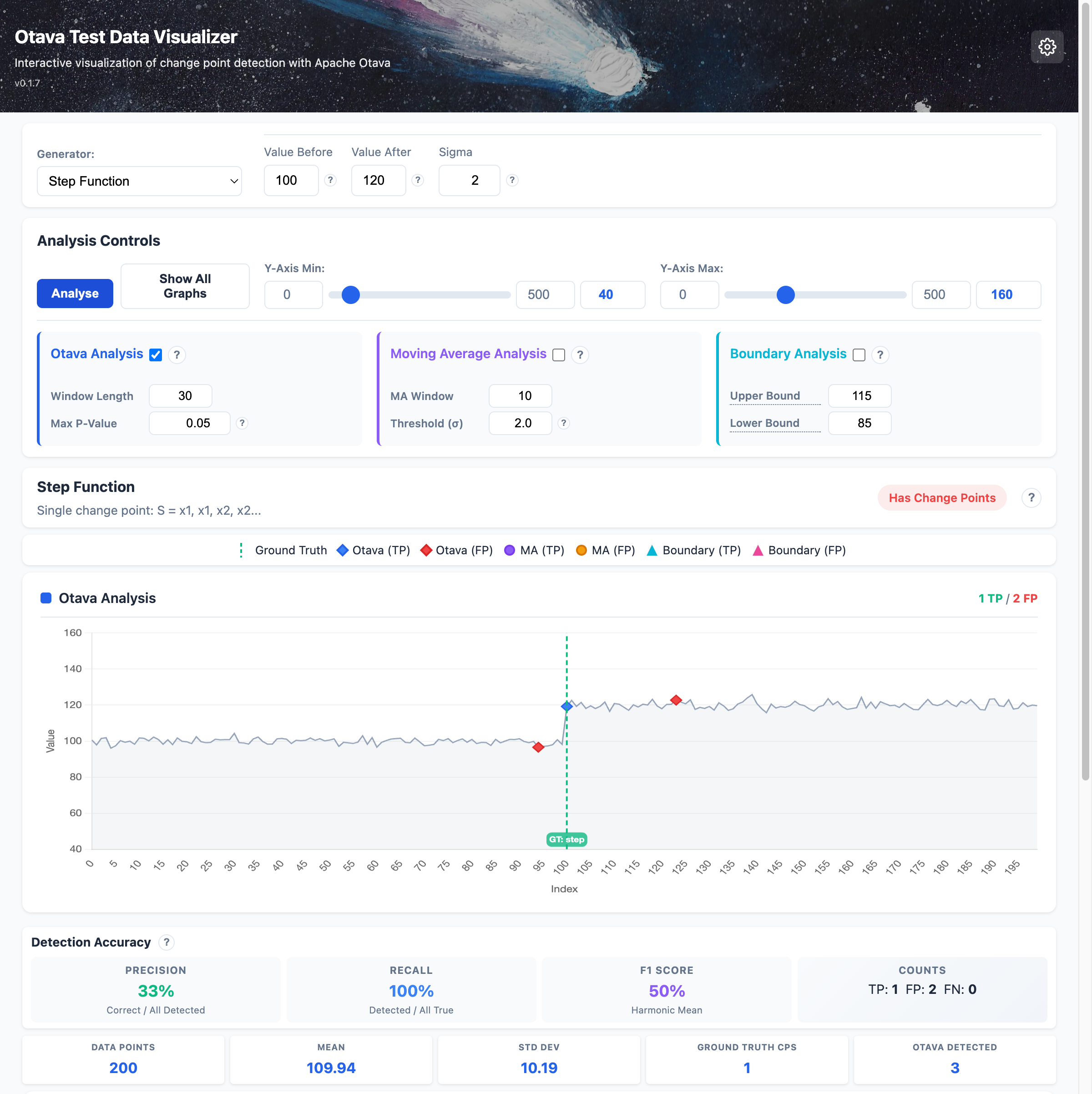
Features:
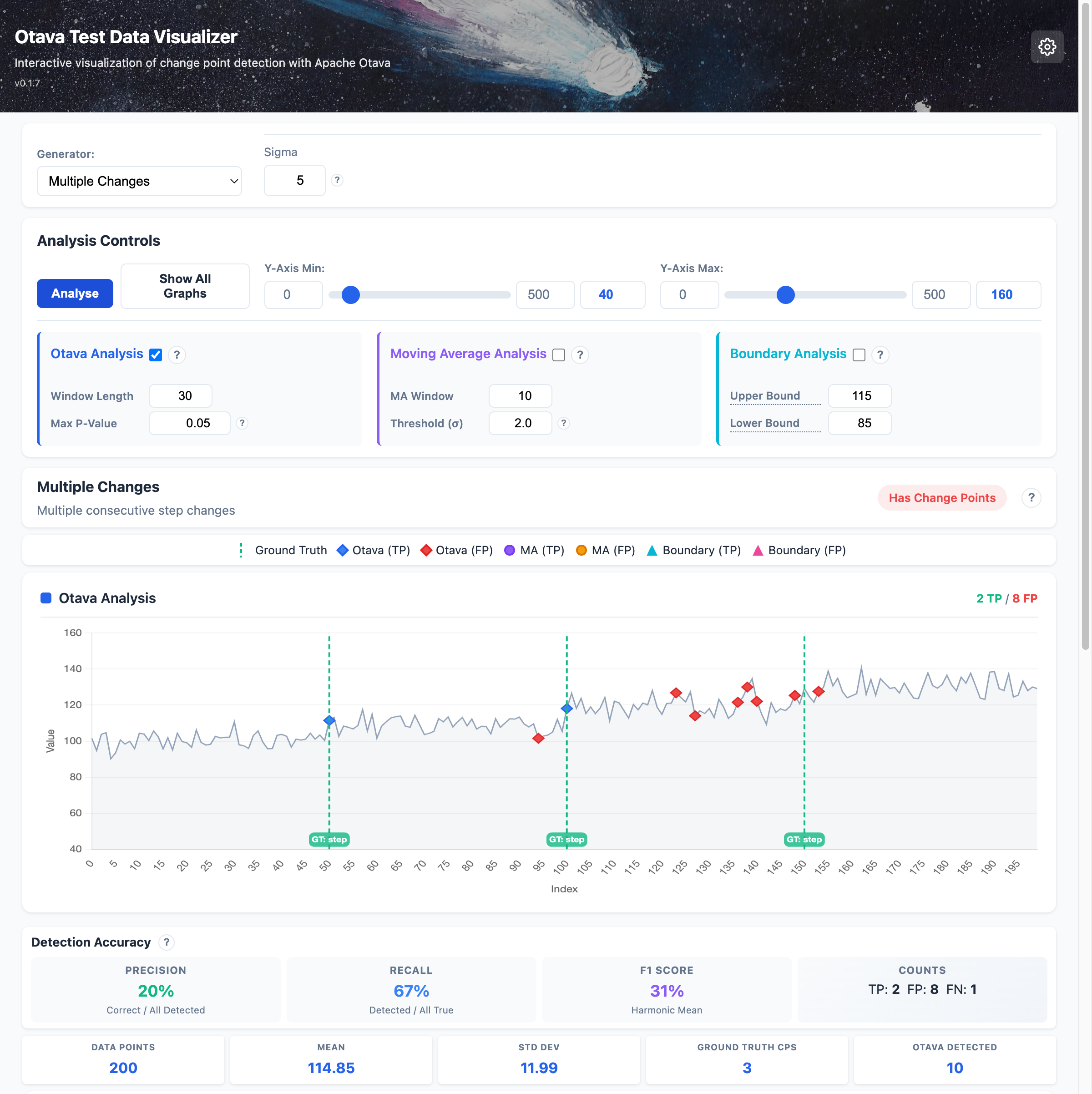
Detect multiple successive changes in your data:
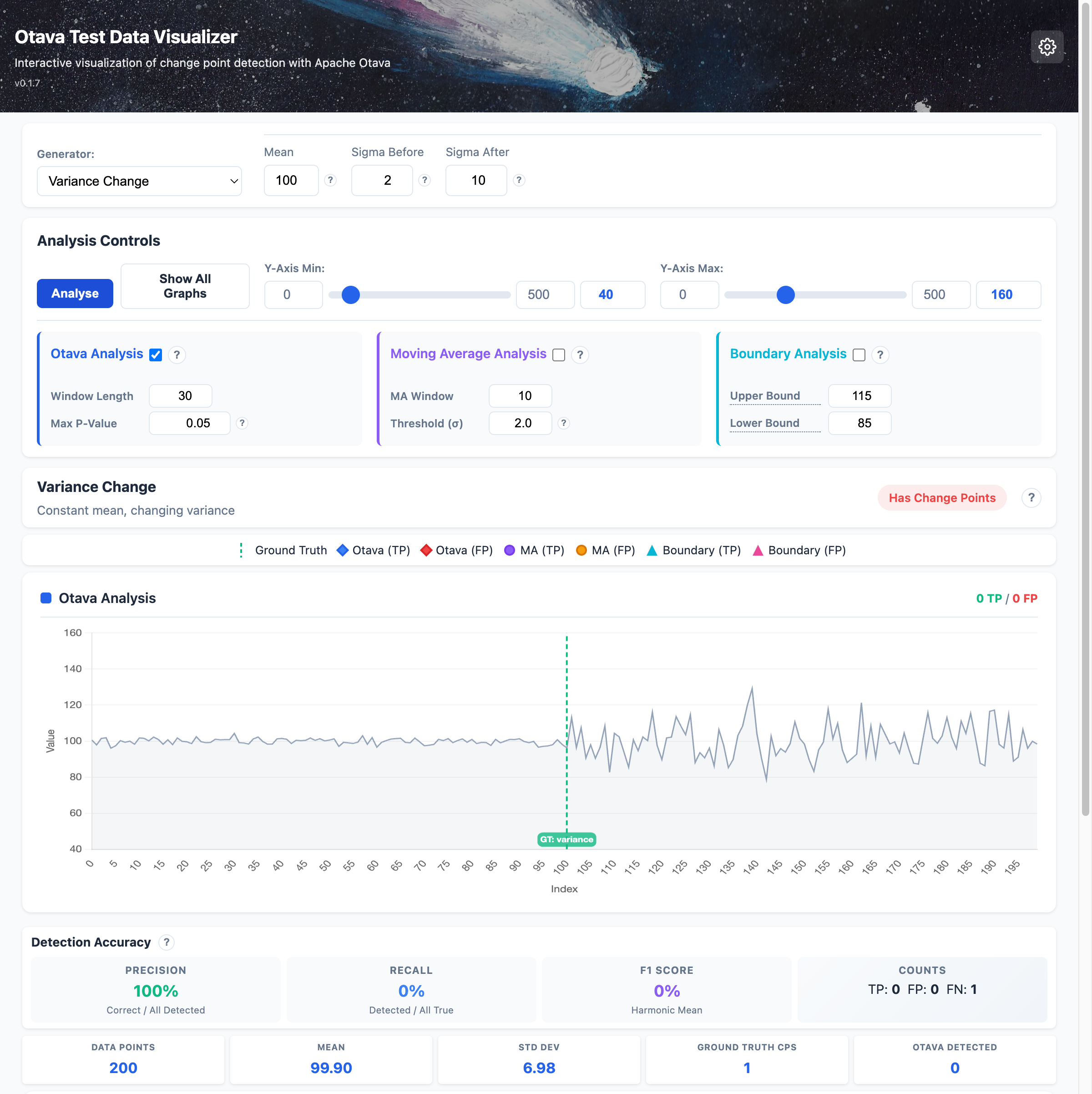
Detect changes in data volatility even when the mean stays constant:
pip install otava-test-data[web]

# Start the web server
otava-web
# Or with invoke tasks
inv web-start
Then open http://127.0.0.1:8100 in your browser.
A third mode, Dataset, lets you load a bundled or pasted time series and see which change points each Otava algorithm variant (compute_change_points, compute_change_points_orig, compute_change_points_deterministic) detects on the same data. The TigerBeetle benchmark dataset ships as the default preset. The Otava analysis panel now exposes the same algorithm checkboxes in all three modes. See docs/visualizer.md for details.
pip install otava-test-data
Or with all optional dependencies:
pip install otava-test-data[all]
from otava_test_data import step_function, noise_normal, combine

# Generate a step function (single change point) with realistic noise
step = step_function(length=500, value_before=100, value_after=120)
noise = noise_normal(length=500, mean=0, sigma=5)
combined = combine(step, noise)

# Export to CSV for Otava analysis
combined.to_csv("test_data.csv")

# Access ground truth change point information
for cp in combined.change_points:
    print(f"Change at index {cp.index}: {cp.description}")
| Generator | Description |
|---|---|
constant | Constant value: S = x, x, x, x... |
noise_normal | Normal distribution: S ~ N(mean, sigma) |
noise_uniform | Uniform distribution: S ~ U(min, max) |
outlier | Single anomaly: S = x, x, x', x, x... |
step_function | Single change point: S = x1, x1, x2, x2... |
regression_fix | Temporary regression: S = x1, x2, x1... |
| Generator | Description |
|---|---|
banding | Oscillation between two values |
variance_change | Constant mean, changing variance |
phase_change | Phase shift in periodic signal |
multiple_changes | Multiple consecutive step changes |
# Generate test suite
otava-gen generate --output-dir ./test_data --lengths 50 500 --seed 42

# List available generators
otava-gen list

# Get info about a generator
otava-gen info step_function
Full documentation available at Read the Docs.
Apache License 2.0