| # Apache OpenDAL™ CPP Binding (WIP) |
| |
| [](https://opendal.apache.org/bindings/cpp/) |
| |
| > **Note**: This C++ binding follows the [Google C++ Style Guide](https://google.github.io/styleguide/cppguide.html) for consistent and maintainable code. |
| |
| 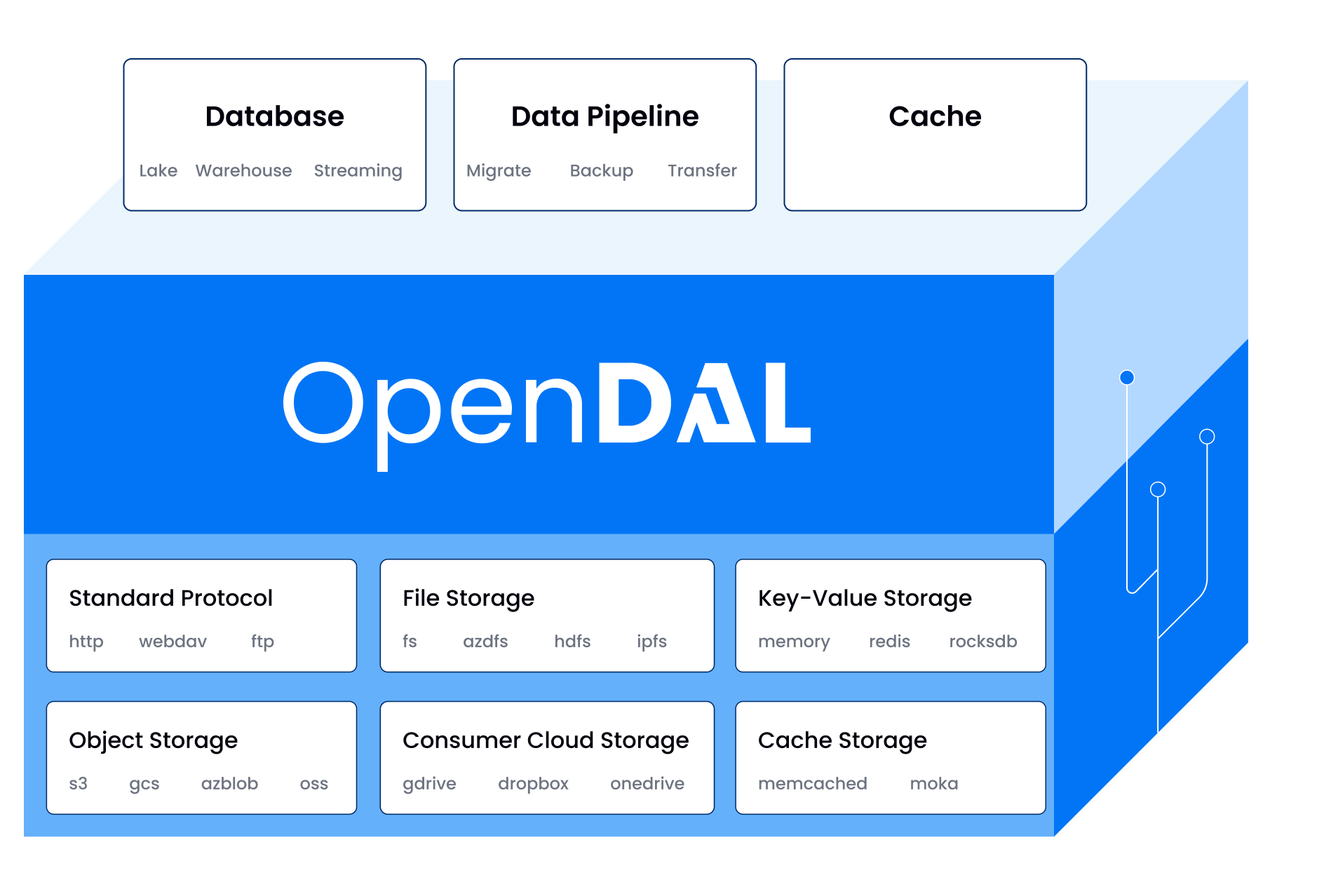 |
| |
| Documents: [](https://opendal.apache.org/docs/cpp/) |
| |
| ## Example |
| |
| ```cpp |
| #include "opendal.hpp" |
| #include <vector> |
| |
| int main() { |
| auto op = opendal::Operator("memory"); |
| std::vector<uint8_t> data = {1, 2, 3, 4, 5}; |
| op.Write("test", data); |
| auto result = op.Read("test"); // result == data |
| } |
| ``` |
| |
| More examples can be found [here](../../examples/cpp). |
| |
| ## Using |
| |
| ### CMake |
| |
| You can use `FetchContent` to add OpenDAL to your project. |
| |
| ```cmake |
| FetchContent_Declare( |
| opendal-cpp |
| GIT_REPOSITORY https://github.com/apache/opendal.git |
| GIT_TAG v0.40.0 |
| SOURCE_SUBDIR bindings/cpp |
| ) |
| FetchContent_MakeAvailable(opendal-cpp) |
| ``` |
| |
| Or you can download the source code and add it to your project. |
| |
| ```shell |
| mkdir third_party |
| cd third_party |
| git clone https://github.com/apache/opendal.git |
| git checkout v0.40.0 |
| ``` |
| |
| ```cmake |
| add_subdirectory(third_party/opendal/bindings/cpp) |
| ``` |
| |
| Now you can use OpenDAL in your project. |
| |
| ```cmake |
| target_link_libraries(your_target opendal_cpp) |
| ``` |
| |
| ### Others |
| |
| Support for more package managers is coming soon! |
| |
| ## Compiling |
| |
| ### Prerequisites |
| |
| - CMake >= 3.22 |
| - C++ compiler with C++17 support |
| - **Currently only Clang or AppleClang are supported** |
| |
| ### Build |
| |
| ```bash |
| mkdir build |
| cd build |
| # Add -DOPENDAL_DEV=ON to make development environment for OpenDAL |
| cmake -DCMAKE_C_COMPILER=clang -DCMAKE_CXX_COMPILER=clang++ .. |
| make |
| ``` |
| |
| ### Dev Setup |
| |
| We provide a default VSCode configuration in `.vscode/settings.json` at the project root. After installing the clangd extension in VSCode, restart the editor to enable proper code completion and IntelliSense support. |
| |
| ### Test |
| |
| You should build the project with `OPENDAL_ENABLE_TESTING` option. Then run: |
| |
| ```bash |
| make test |
| ``` |
| |
| ### Docs |
| |
| You should build the project with `OPENDAL_ENABLE_DOCUMENTATION` option. Then run: |
| |
| ```bash |
| make docs |
| ``` |
| |
| ### CMake Options |
| |
| - `OPENDAL_DEV`: Enable development environment for OpenDAL. It will enable most development options. With this option, you don't need to set other options. Default: `OFF` |
| - `OPENDAL_ENABLE_ADDRESS_SANITIZER`: Enable address sanitizer. Default: `OFF` |
| - `OPENDAL_ENABLE_DOCUMENTATION`: Enable documentation. Default: `OFF` |
| - `OPENDAL_DOCS_ONLY`: Only build documentation. Default: `OFF` |
| - `OPENDAL_ENABLE_TESTING`: Enable testing. Default: `OFF` |
| - `OPENDAL_ENABLE_ASYNC`: Enable async support. Requires Clang or AppleClang with C++20. Default: `OFF` |
| - `OPENDAL_FEATURES`: Specify OpenDAL services to include, like `"opendal/services-s3,opendal/services-memory"`. Default: `""` |
| |
| ## License and Trademarks |
| |
| Licensed under the Apache License, Version 2.0: http://www.apache.org/licenses/LICENSE-2.0 |
| |
| Apache OpenDAL, OpenDAL, and Apache are either registered trademarks or trademarks of the Apache Software Foundation. |
