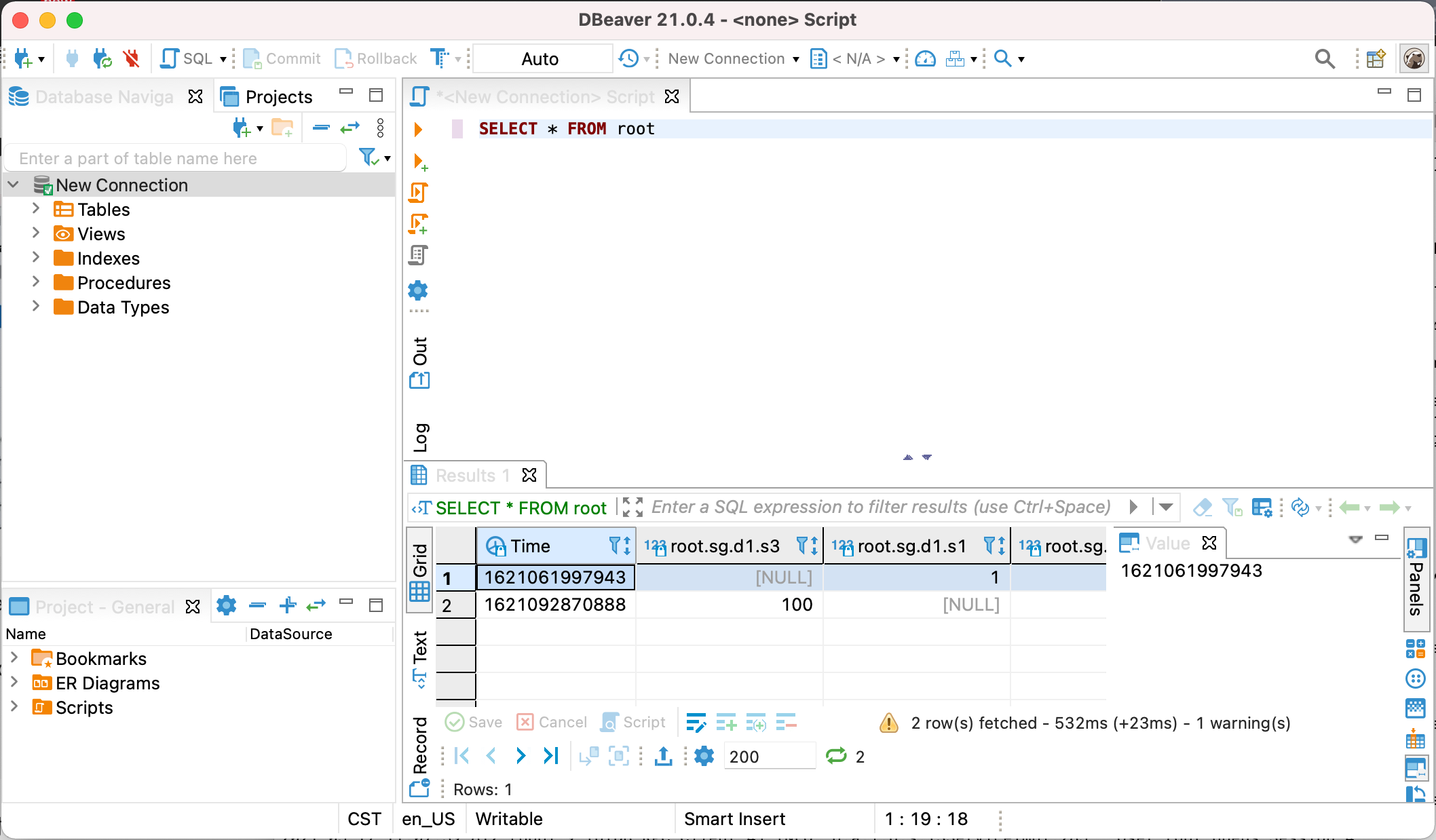
DBeaver-IoTDB
DBeaver is a SQL client software application and a database administration tool. It can use the JDBC application programming interface (API) to interact with IoTDB via the JDBC driver.
DBeaver Installation
- From DBeaver site: https://dbeaver.io/download/
IoTDB Installation
- Download binary version
- From IoTDB site: https://iotdb.apache.org/Download/
- Version >= 0.13.0
- Or compile from source code
Connect IoTDB and DBeaver
Start IoTDB server
./sbin/start-server.sh
Start DBeaver
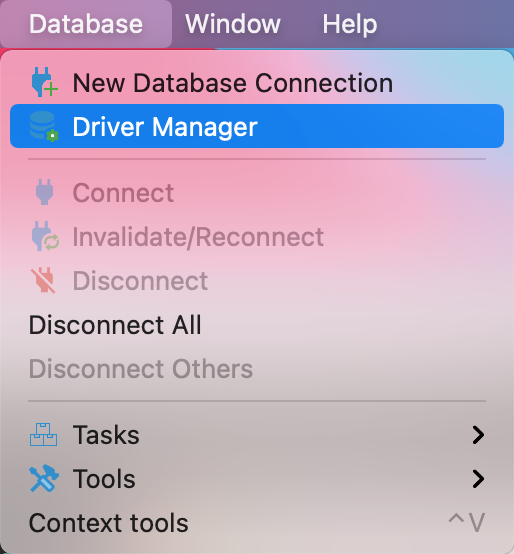
Open Driver Manager
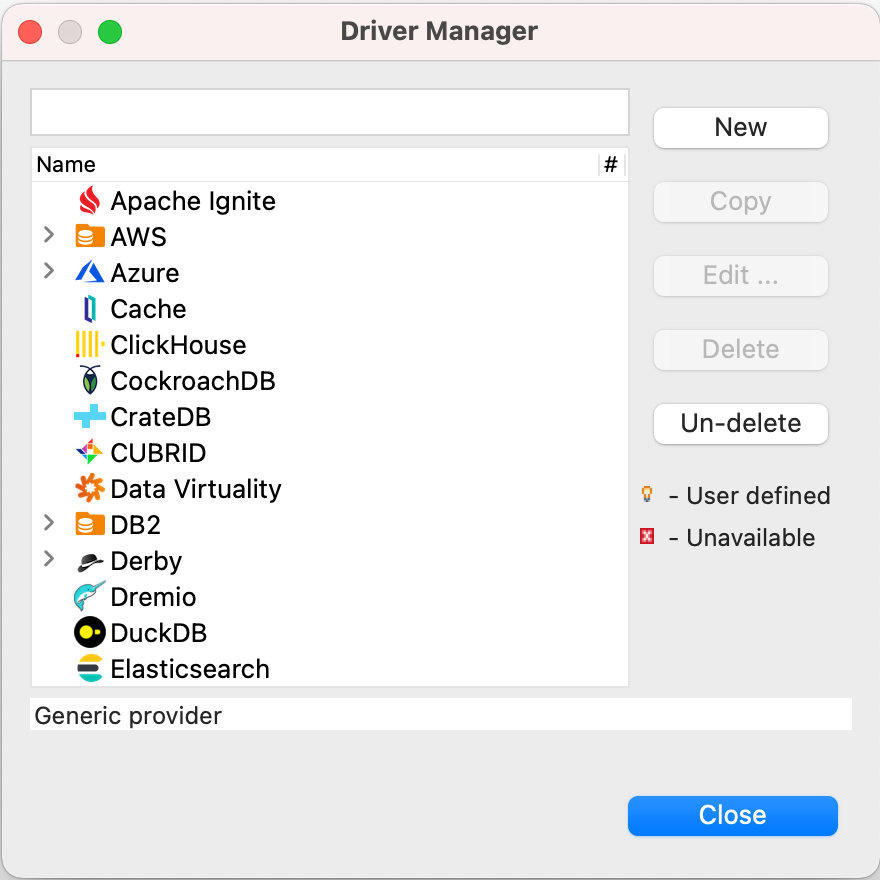
Create a new driver type for IoTDB
Download
iotdb-jdbc, from source1 or source2,choose the corresponding jar file,download the suffixjar-with-dependencies.jarfile.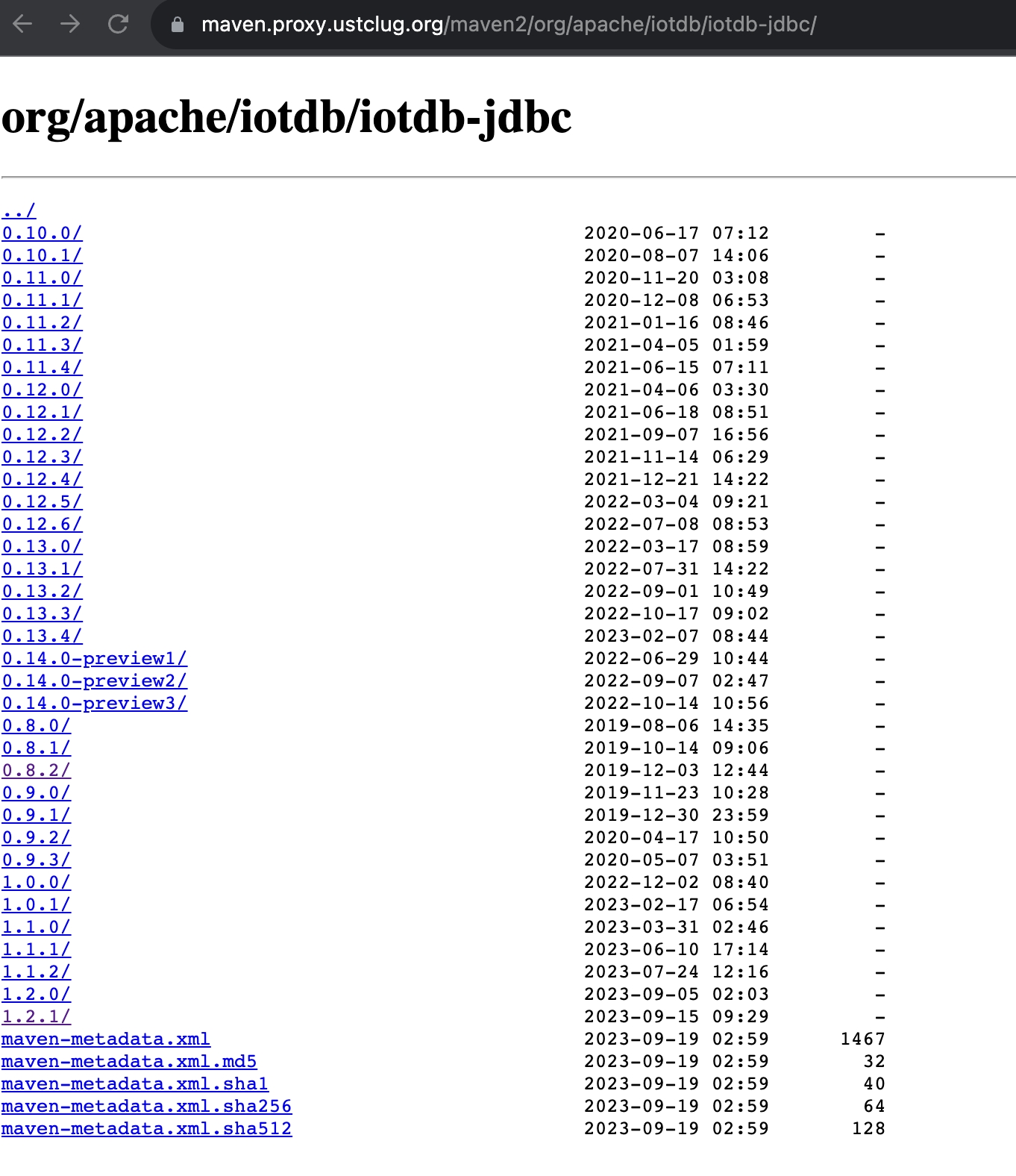
Add the downloaded jar file, then select
Find Class.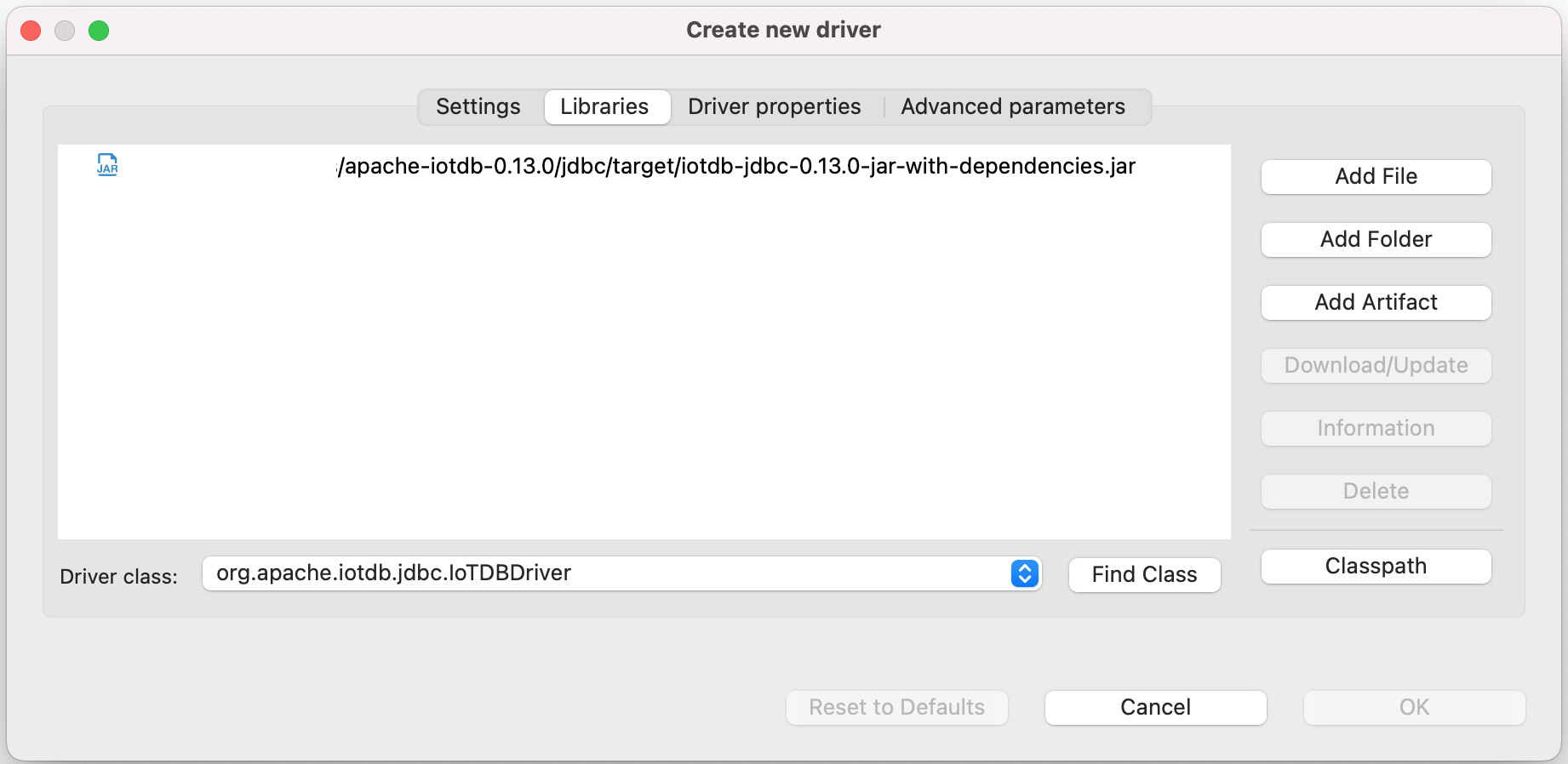
Edit the driver Settings
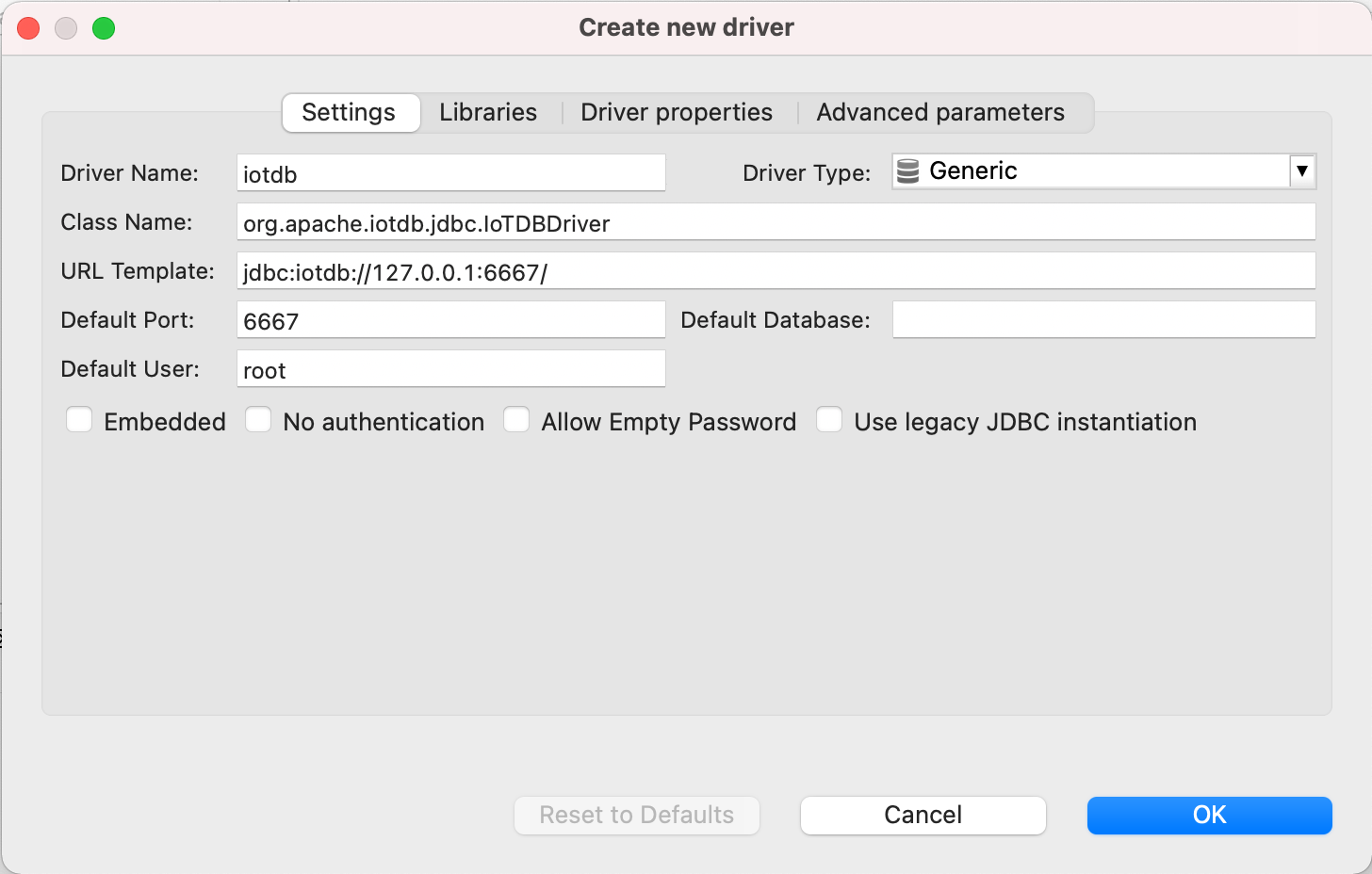
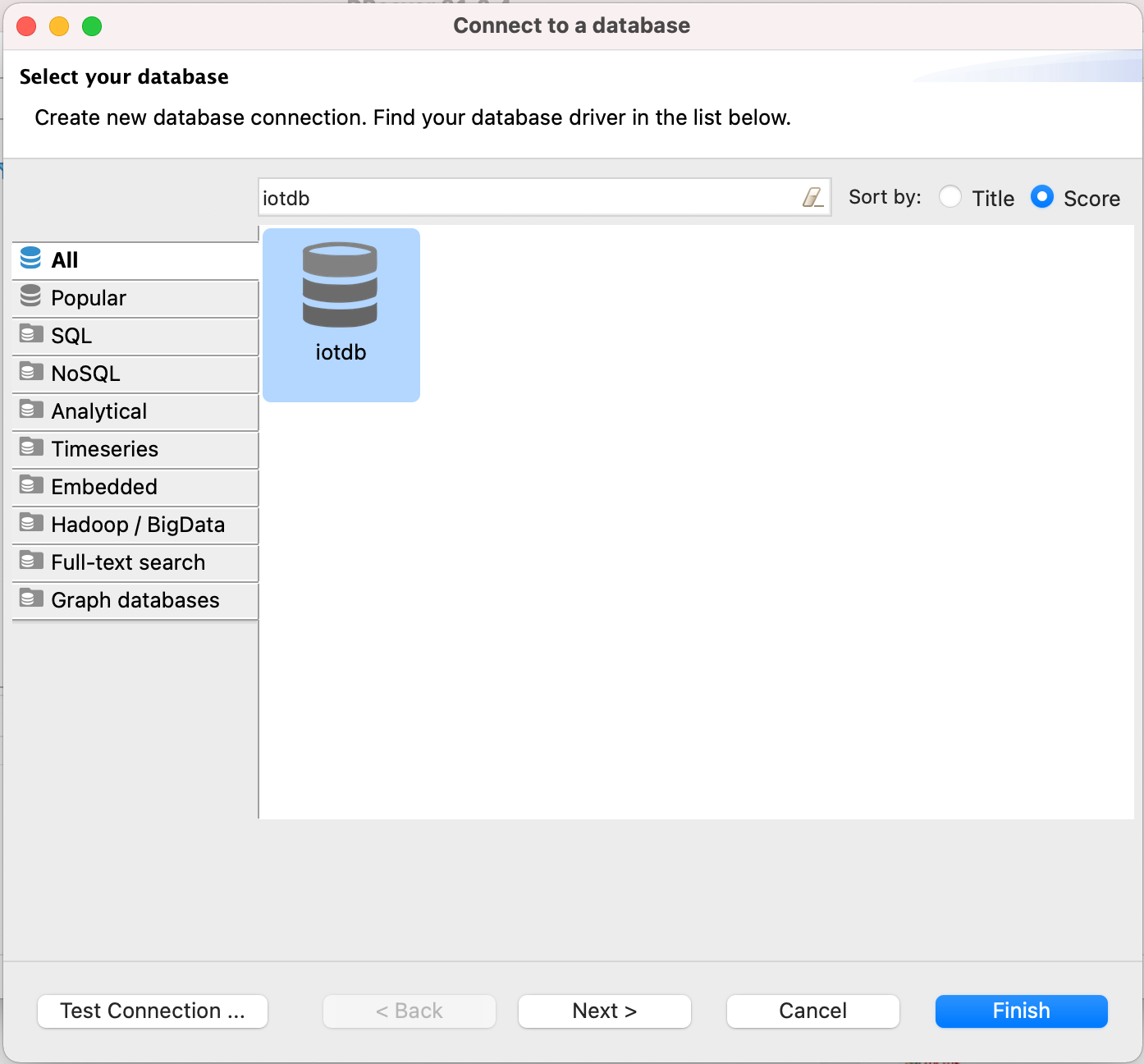
Open New DataBase Connection and select iotdb
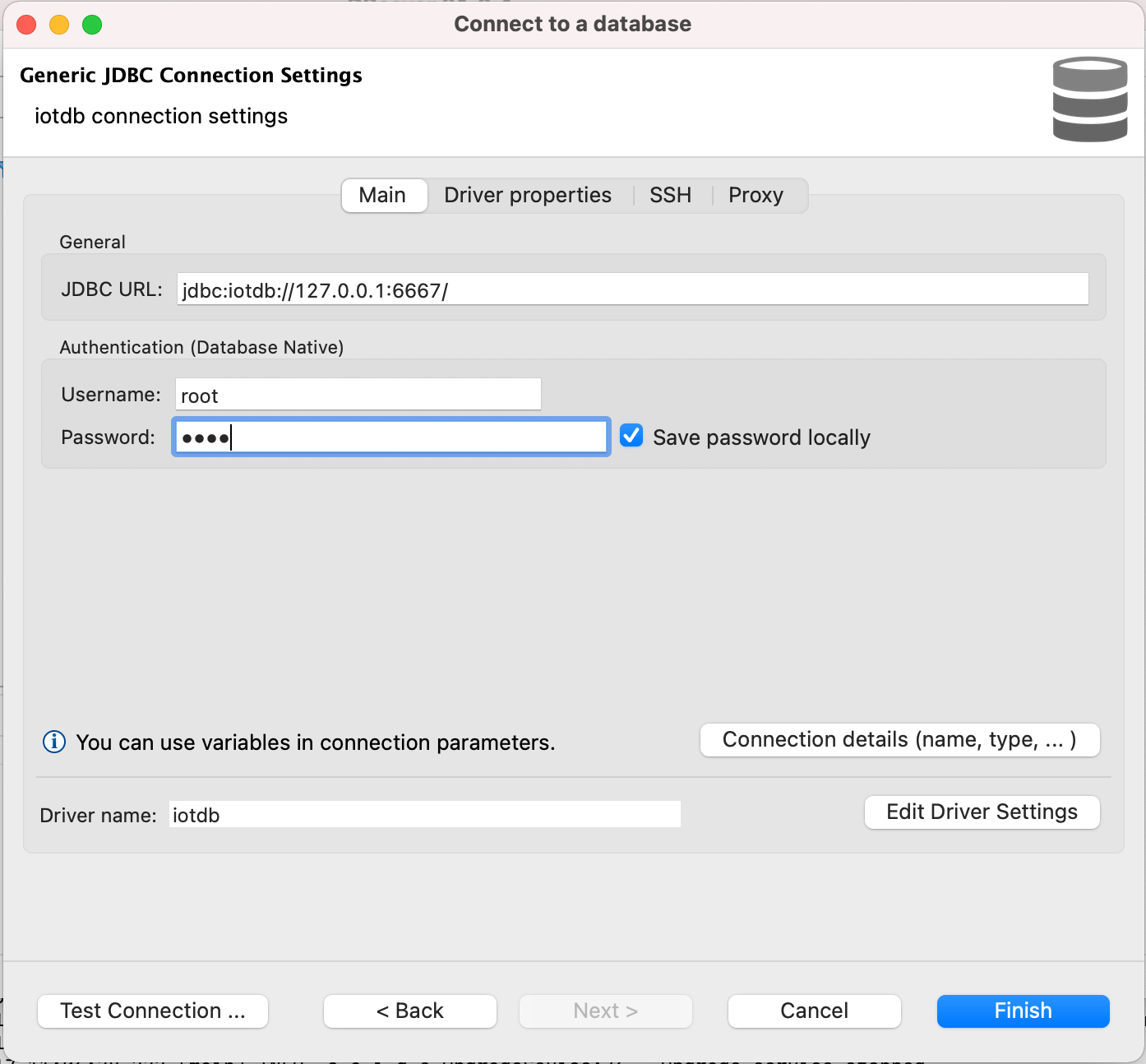
Edit JDBC Connection Settings
JDBC URL: jdbc:iotdb://127.0.0.1:6667/
Username: root
Password: root
- Test Connection
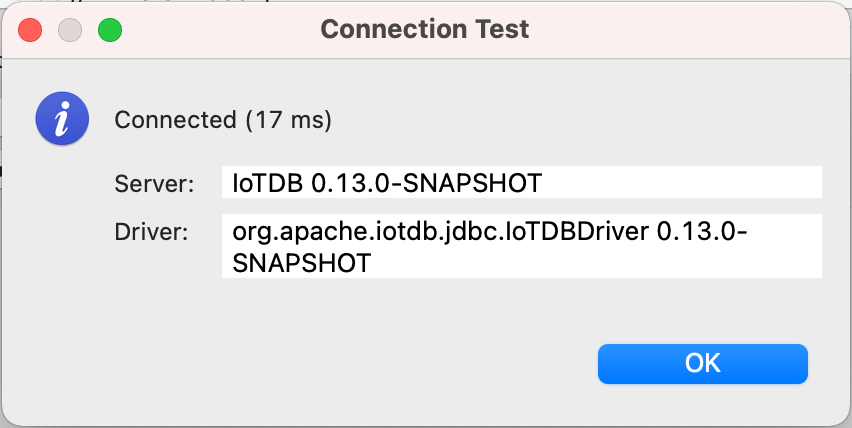
- Enjoy IoTDB with DBeaver